
Implement Blog

To document my progress, I wanted a blog. I've implemented Wordpress blogs professionally in the past, so that was my first idea. Wordpress is really easy to use from a consumer point of view. But a Wordpress blog requires its own database (or pollutes an existing one), it's written in PHP, it has its own CSS that needs to be maintained. It's awkward to integrate into an existing site. I was looking for alternatives.
My CI/CD pipeline creates git tags on release, and I knew that Github has a feature for release notes, so I started to play around with that. Github release notes are written in Markdown, and it turns out it has pretty much all I need. I can do all the formatting I want and adding images is really easy.
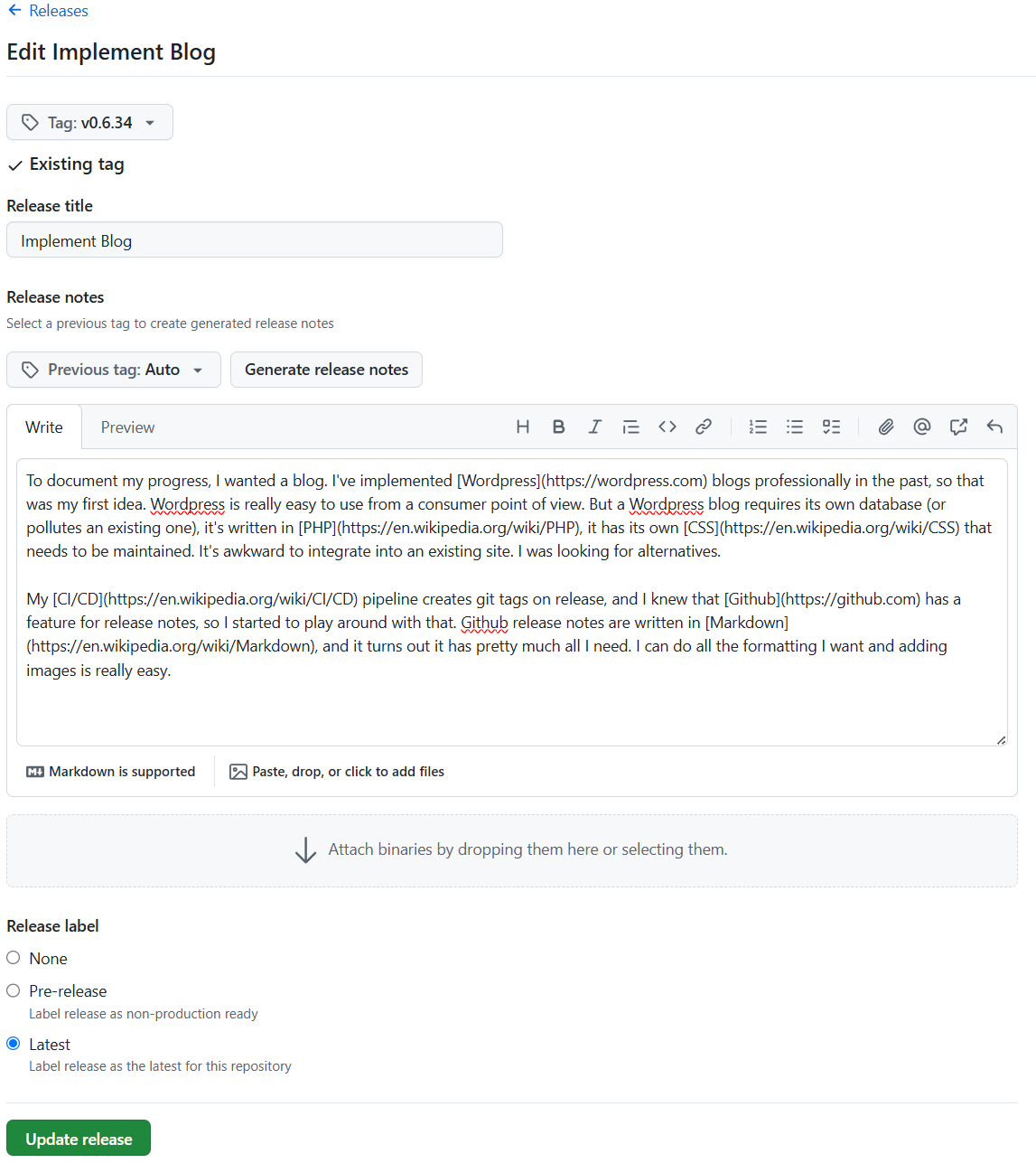
Extract release data from Github
You can query the Github API and get a JSON file of all your releases. They are ordered by version. For my private repository I needed to create a Github token and add that to the API request.
curl -s -H "Authorization: Bearer [my_github_token]" -H "Accept: application/vnd.github+json" https://api.github.com/repos/adikhoff/eventapp/releases
This also means that images are private, so I can only view or download them when logged into Github. So for now I have to download them manually and replace the URLs to local versions. This will be automated in the future.
I did have to install a dependency to render Markdown (ngx-markdown). I'm not completely against adding dependencies, as long as they work and don't interfere.
Result
Two new components, blog and blog-post. Blog renders shortened versions of all blog posts, blog-post shows the whole post. One new service: blog-service, that's responsible for fetching the json and replacing github urls. It's really easy to do this sort of thing in Angular nowadays:
    public rawPosts$ = this.http.get<Release[]>('/assets/blog/github-releases.json');

    public posts$ = this.rawPosts$.pipe(map(posts => {
        const out: Release[] = [];
        for (const post of posts) {
            post.body = post.body.replaceAll('/blog/', 'blog#tag-');
            post.body = post.body.replaceAll('https://github.com/user-attachments/assets/', '/assets/blog/media/');
            out.push(post);
        }
        return out;
    }))
With added cache control and result sharing:
    public rawPosts$ = this.http
        .get<Release[]>(`/assets/blog/github-releases.json`, { cache: 'no-cache' })
        .pipe(shareReplay({ bufferSize: 1, refCount: true }));
Read more articles
- Moving towards Cloud storage
- Add event and user statistics
- Refactor Infrastructure
- Add QR code to mobile
- Video support and Scrolling Menu
- Automatic blog updates with Git Webhooks
- Add sliding sidebar menu to mobile home page
- I've been doing WebFlux wrong
- Implement Blog
- Migrating event urls
- Interesting bug
- Dynamic social media badges
- Improving Games and Teams
- Blue Green deployments
- Why I left the big cloud
- Moving from AWS Amplify to Google Firebase
- First version